
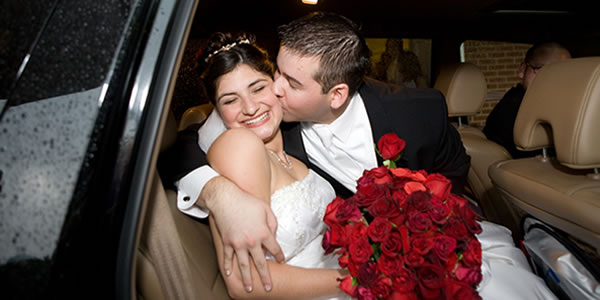
To view ALL our photos visit:
www.flickr.com/photos/brittanyandtim/collections
To download photos, find the photo page of the photo you want to download (this will be the main page of that photo). Click on the "All Sizes" icon right above the photo, click on the size you want to download (small, medium, large, original), and then click "Download _______ Size". If you want a high quality photo that you can make a large print from, you will want to download the large or original size.
Now the photo will be saved on your computer. You can look at it on your computer and make prints.
Some great sites to order photos from:
www.snapfish.com
www.shutterfly.com
To order a print of the photo directly through the flickr website, you will have to have a Yahoo account. Go to www.flickr.com and click the "Create Your Account" button. If you already have a Yahoo account, sign in. If you don't, you can make one here. Once that is completed, find the photo page of the picture you want to order, click on the "Prints and More" icon right above the photo, enter the quantity of photos you want in the sizes you want, then click "Add To Cart".
Flickr Prices:
$0.15 each 4x6
$0.59 each 5x7
$1.99 each 8x10
$0.99 (4) wallets